The Contact Page Mistakes That Cost Local Businesses Leads
So far, most of this series has focused on getting local visitors to your website. But what happens once they’re there? Right at the end of that journey is the moment someone decides they want to contact you and goes looking for how to do it. A contact page that creates friction at that moment is going to cost you leads you’ll never know you had.
Here are some common pitfalls I see on my clients’ Contact pages. The good news? Most of them are straightforward to fix.
Asking for too much information
A contact form with eight fields is not a contact form. It’s an application. Name, email or phone, and a brief message is enough information to start a conversation with a prospective customer.
I know, I know. Your instinct to pre-qualify leads by asking for project details, budget, timeline, and preferred contact method in a single form is understandable, but it works against you. Every additional required field is a reason to close the tab and call someone else.
Collect what you need to respond. Everything else can wait for the first conversation.
A phone number that isn’t there, or isn’t tappable
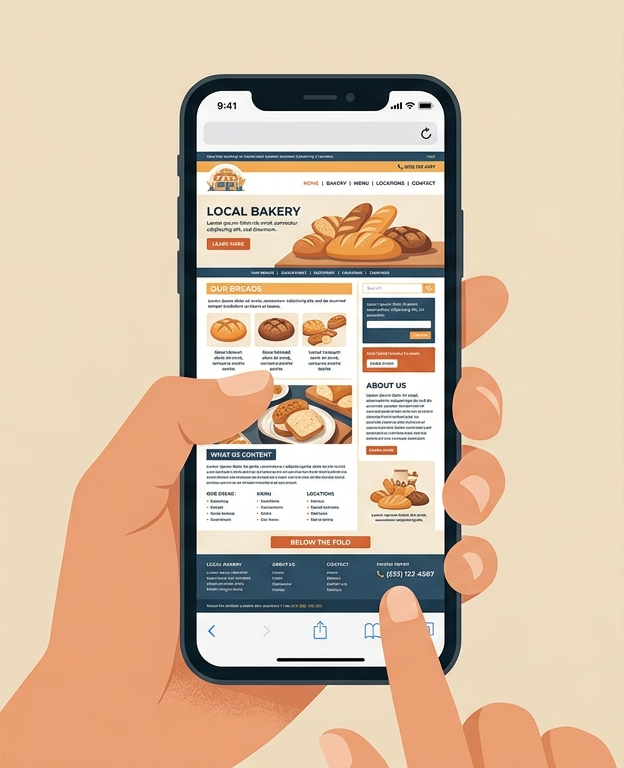
A visitor who arrived on your contact page from their phone is trying to contact you from their phone. The phone number should be the first thing on the page, formatted as a tappable link. A phone number displayed as plain text on a mobile device requires the visitor to manually dial it. Most won’t. They’ll go back to Google and call whoever’s number taps directly.
This is the same issue I raised with the homepage in the last post. On a contact page, the stakes are higher: this is someone who has already decided they want to reach you.
No confirmation after form submission
When someone submits your contact form, they need to know it went through. If they click submit and nothing visible happens, they don’t know whether to wait, try again, or give up. A simple confirmation message on the page like “Thanks, we’ll be in touch within one business day” does two things: it tells them the form worked and it sets a response time expectation.
The response time piece matters more than most business owners realize. A visitor who submits a form and hears nothing for three days has already called someone else by then. Even a rough expectation (“we respond within one business day”) keeps them from moving on.
Forms that silently break
This is the most damaging mistake on the list because it’s invisible. Contact forms that were set up correctly but now send to an email address nobody checks, route to spam, or fail entirely due to a plugin conflict are still sitting on websites right now, accepting submissions that disappear. The business owner assumes the form works because they set it up. The visitor assumes it works because nothing obvious broke. I’ve seen this cost business owners valuable leads.
If you’re using a WordPress contact form, check your spam folder for recent submissions. Send a test submission from a phone and confirm it arrives. If you’re relying on your contact form as a primary lead channel and you’ve never tested it recently, test it today before anything else.
No hours or response time on the page
A visitor filling out a contact form on a Saturday afternoon doesn’t know if they’ll hear back in an hour or a week. Adding a line like “We’re available Monday through Friday, 8am to 5pm, and respond to all inquiries within one business day” sets a realistic expectation and removes one more reason for them to look elsewhere.
This is a small addition that costs nothing and removes a legitimate source of uncertainty for someone who is already interested in your business.
The contact page nobody can find
A contact page that requires three clicks to reach from the homepage is a contact page most visitors won’t reach. The link to your contact page should be in your main navigation and visible on every page of the site. For a local service business, a phone number in the header that appears site-wide is even better: it removes the need to find a contact page at all.
What to do this week
Go to your contact page on your phone. Check three things: 1) is the phone number tappable and at the top, 2) does the form ask only for what’s necessary, and 3) does submitting the form produce a visible confirmation? Then send a test submission and confirm it arrives in your inbox.
If you find the form isn’t working, that’s the priority above everything else. Leads you don’t receive are the most expensive kind.
Our Free Visibility Audit covers your contact setup alongside your GBP and site performance. If you’d like a look at how the full picture is working together, that’s where to start.


Not sure what your website looks like to potential customers right now? Our Free Visibility Audit will show you exactly where your site stands — and what it might be costing you. Fill out the form below to get started.
Let’s Talk About Your Business
Fill out the form below and our team will reach out to schedule your free visibility audit — a no-pressure conversation about where your business stands online and where it could be.